How to Apply for Petrol Subsidy via Website (Step-by-Step Guide – 2026)
How to Apply for Petrol Subsidy via Website (Step-by-Step Guide – 2026)
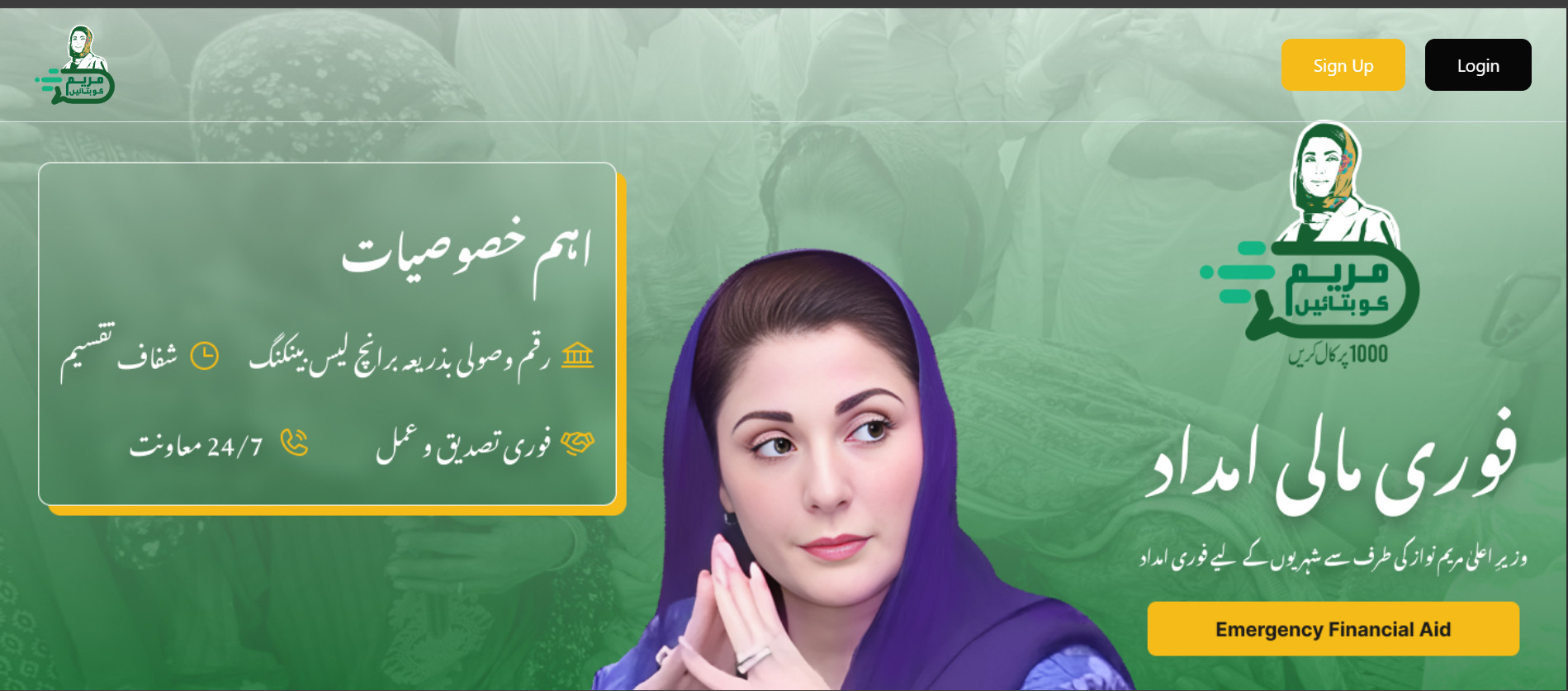
Maryam Ko Batain Website Registration – Get 100 PKR Petrol Subsidy
If you want to apply for the 100 PKR petrol subsidy in Punjab, the easiest and most reliable method is through the official web portal of the Maryam Ko Batain program.
This guide will walk you through the complete step-by-step process so you can register successfully without any confusion.
🌐 Step 1: Visit the Official Website
Open your browser and go to:
👉 mkb.punjab.gov.pk
Once the page loads, you will see the homepage of the Maryam Ko Batain portal. Look for the “Petrol Subsidy Program” or “Relief Package” section.
📌 Tip: Always make sure you are on the official government website to avoid scams.
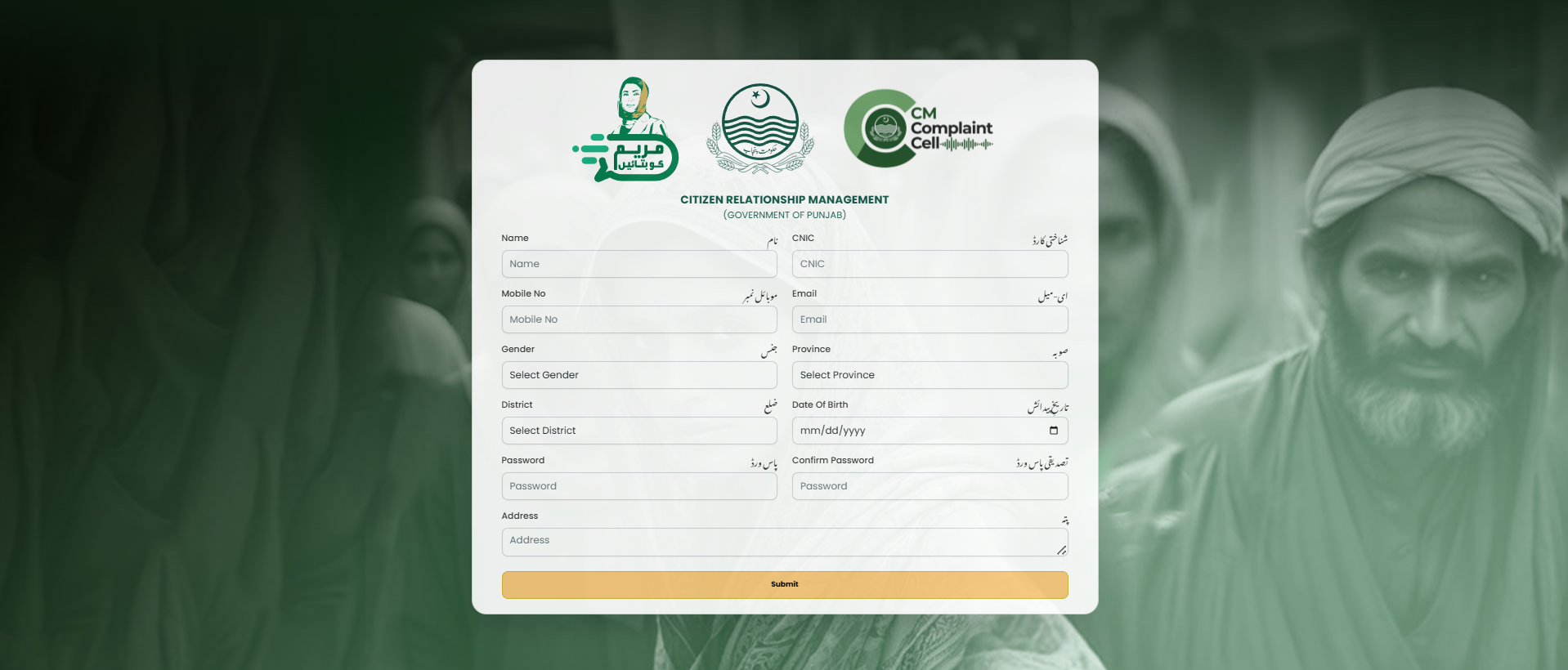
📝 Step 2: Click on Petrol Subsidy Registration
On the homepage:
- Find the Petrol Subsidy banner/link
- Click on “Apply Now” or “Register”
This will take you to the online application form.
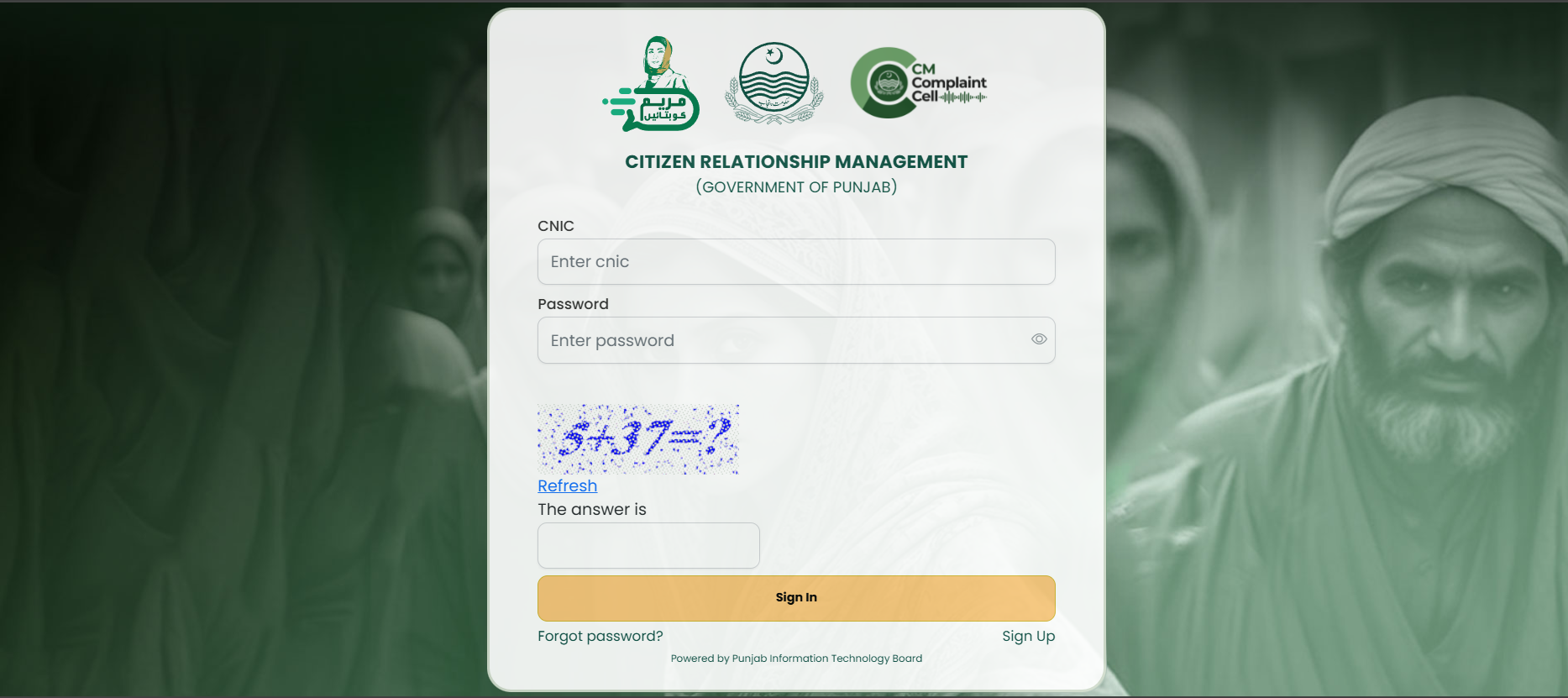
👤 Step 3: Enter Your Personal Details
Now fill in your basic information carefully:
- Full Name (as per CNIC)
- CNIC Number
- Mobile Number (registered on your CNIC)
- Address (must be in Punjab)
⚠️ Important: Incorrect details can lead to rejection, so double-check everything. Also read this article for apply through app and call
🏍️ Step 4: Add Motorcycle Information
In this section, you need to provide your bike details:
- Bike Registration Number
- Engine Number
- Chassis Number
📌 You can find this information on your bike registration card (smart card).
📤 Step 5: Submit the Application
After entering all details:
- Review your information
- Click on “Submit” button
Once submitted, your application will go into the verification process.
📲 Step 6: Confirmation & Tracking
After submission:
- You may receive a confirmation SMS
- You can track your application using your CNIC number
📌 Approval may take some time depending on system load.
⛽ Step 7: How to Get Discount After Approval
Once your application is approved:
- Visit a participating petrol pump
- Provide your registered phone number
- Or show your QR code (if available)
The system will verify your eligibility and apply the discount instantly.
💰 Your Monthly Benefit
- 100 PKR discount per liter
- Up to 20 liters/month
- Total savings: 2,000 PKR per month
⚠️ Common Mistakes to Avoid
- ❌ Using someone else’s SIM
- ❌ Entering wrong CNIC number
- ❌ Providing incorrect bike details
- ❌ Applying multiple times
🧠 Final Advice
Applying through the website of Maryam Ko Batain is simple, fast, and secure. If the website is slow, try again during late night hours when traffic is lower.
Make sure all your documents are ready before starting the process to avoid delays.
👉 Follow these steps carefully and you’ll be able to secure your 100 PKR petrol subsidy in Punjab without any hassle.
Related Articles

Cosmic Byte Drakon Review – The Ultimate Tri-Mode Gaming Controller Under ₹5,000?
Discover the Cosmic Byte Drakon gaming controller with tri-mode connectivity, TMR joysticks, mechanical buttons, and pro-level customization. Full review, features, and performance breakdown.

MacBook Buying Guide 2026: Neo vs Air vs Pro – Which One Should You Buy?
MacBook Buying Guide 2026: Neo vs Air vs Pro – Which One Should You Buy?

Govt Unveils New Housing Loan Plan to Own a House for Just Rs. 16,500 Per Month
Govt Unveils New Housing Loan Plan to Own a House for Just Rs. 16,500 Per Month